
If you want to know why you’re not getting Snapchat notifications, this article is for you. There is no doubt that Snapchat notifications are essential. They keep you apprised of all new snaps, messages, and stories throughout the day.
Snap notifications should arrive when you receive new snaps or messages. But sometimes, such notifications might not come through. But why does it happen?
Several reasons could be at play when you don’t receive Snapchat notifications. There is a possibility that Snapchat notifications have been disabled from the settings, causing this issue. Or you may have enabled the Silent or Do Not Disturb mode, which blocks Snapchat notifications.
Reasons Why You Are Not Getting Snapchat Notifications
Here are the top reasons why you don’t receive Snapchat notifications.
Reason 1: Disabled Notifications
You won’t receive any Snapchat notifications if your notifications have been disabled from settings. Therefore, you should check Snapchat’s notification settings first.

You can check the notifications settings by following the steps below:
- Start by going to “Settings.”
- Next, go to “Apps & Notifications.”
- There you will see “Snapchat” in the list.
- Then, click on All Snapchat Notifications if you want to turn them on.
Once you turn on the disabled notifications, you will receive Snapchat notifications.
Reason 2: Do Not Disturb or Silent Mode Is On
If you are not receiving Snapchat notifications, your Android or iOS device may be in Silent or Do not disturb mode. Often users forget to disable silent mode on their phones after putting them in silent mode.
While the Do Not Disturb mode is simple and does not require specific settings, it simply disables all notifications. Therefore, you should check and turn off Do Not Disturb Mode or Silent Mode.
Reason 3: App Cache Issue
It is also possible that the app cache prevents you from receiving notifications from Snapchat. Therefore, it may also be beneficial to try clearing out the app’s cache.
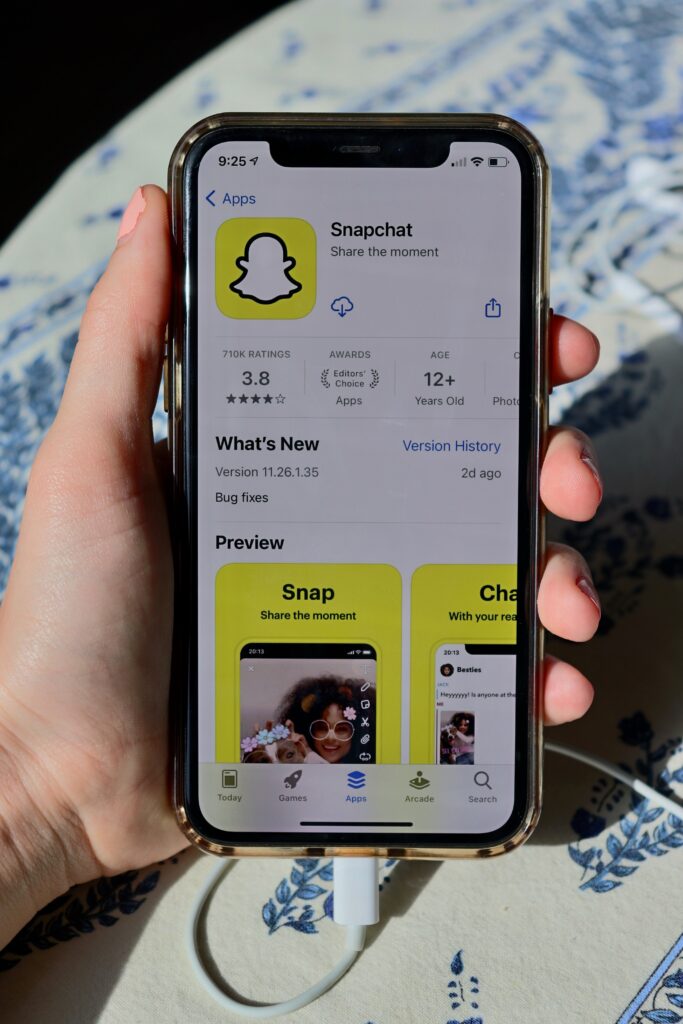
You can fix Snapchat not receiving notifications using this simple yet effective approach. To remove the Snapchat cache, follow these steps:
- On your mobile device, open Snapchat.
- Then, open your profile by tapping the profile icon.
- Then, go to the profile settings section.
- Now, choose “Clear Cache.”
- Press continues to finish the process.
Conclusion
A notification not working can be asevere issue for those who want to stay updated. Consider the possibility of not receiving your friend’s text and failing to respond.
A situation like this is something you wouldn’t want to encounter. Unfortunately, this Snapchat notification problem is not unique to you. Many users are reporting the same problem.
Fortunately, fixing Snapchat notifications may not be as complex as it seems. This article has discussed why you are not receiving your Snapchat notifications.
Are you having trouble about Why Won’t Snapchat Download on My iPhone? read about it here.