
If you have tried sending pictures to someone but cannot do so, you might wonder: Why won’t my pictures send?Numerous people use their iPhones to take pictures. Whether you have compiled pictures while on vacation or during a family reunion, you may want to send them to your friends and family. However, sometimes your iPhone may not allow you to send those pictures. But what is that?
You cannot send pictures from the iPhone without an internet connection or if it is unstable. You may also be unable to send pictures if the cache becomes corrupted. It’s also vital that your iPhone network settings work correctly since picture transmissions depend on them. And an incorrect configuration can also lead to not sending the pictures.
Reasons Why Won’t My Pictures Send
Here are some reasons why you might be struggling to send pictures:
Reason 1: Data Connection Is Off
Sending pictures from the iPhone requires internet connectivity. If your data connection is off or unstable, you cannot send pictures.
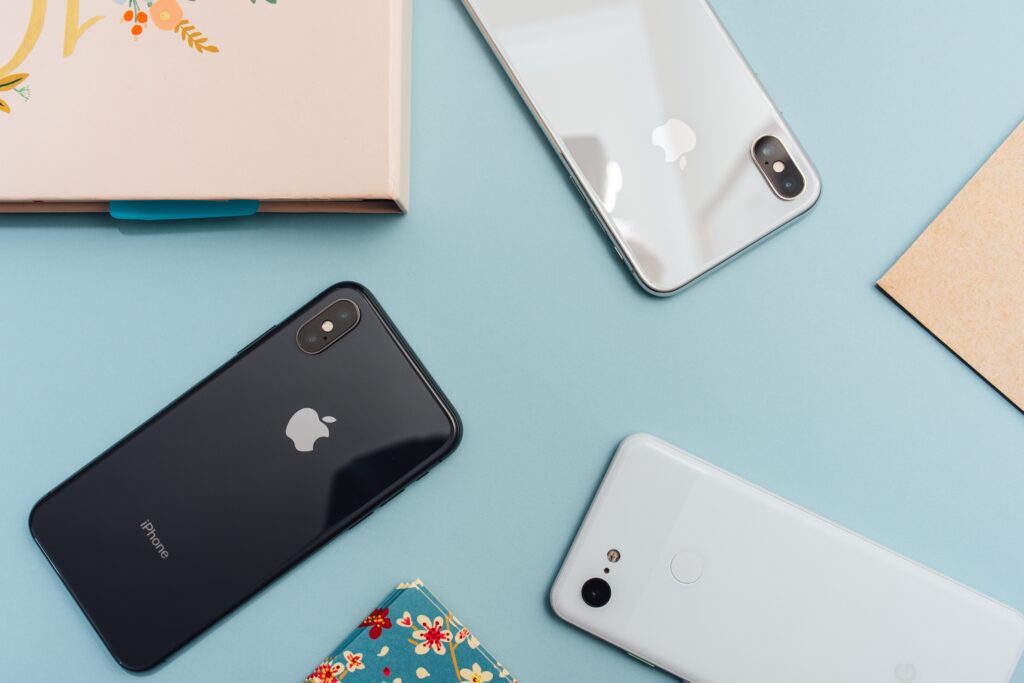
Make sure your smartphone’s data connection is working if it isn’t sending picture messages. If you cannot send pictures through Wi-Fi, switch to cellular data instead. By doing this, the photo will likely send.
Reason 2: Corrupted Cache
You might find insufficient cache data on your smartphone, which has caused trouble using certain iPhone app features. It is also possible for a corrupted cache to prevent you from sending pictures.
Users can try clearing the cache to see if that fixes the issue. Users can also try clearing the app data if it doesn’t work. Here are the steps for clearing the cache.
Hold the app’s icon you are trying to send the pictures through for a couple of seconds. It will allow you to access the app’s additional settings.
- Navigate to the “Storage” section there.
- Click the “Clear Cache” button.
- Please resend the picture and check whether it works.
Reason 3: Incorrect Network Settings
Pictures transmissions require that your network settings be set up correctly. Having them not configured correctly can also lead to various issues.

One solution is to reset the network settings on the phone. One can do this by following these steps.
- Tap the setting icon.
- Find “Reset Options” and open it.
- Click the “Reset Network” option.
- Then, choose to confirm.
You will now have a new network setting. Your phone may ask you to restart it. Try sending the pictures again after you have completed the process.
Conclusion
One of the reasons listed above is causing your inability to send pictures. If your phone’s default text messaging app cannot send images, you can use third-party messaging apps.
Regardless of the reason, you can perform a soft reset if you still cannot figure it out. Your phone will perform better after a soft reset.
Soft resets tend to be harmful to phones. But that’s not the case. There are no adverse effects; instead, it might increase your phone’s performance and resolve some issues.