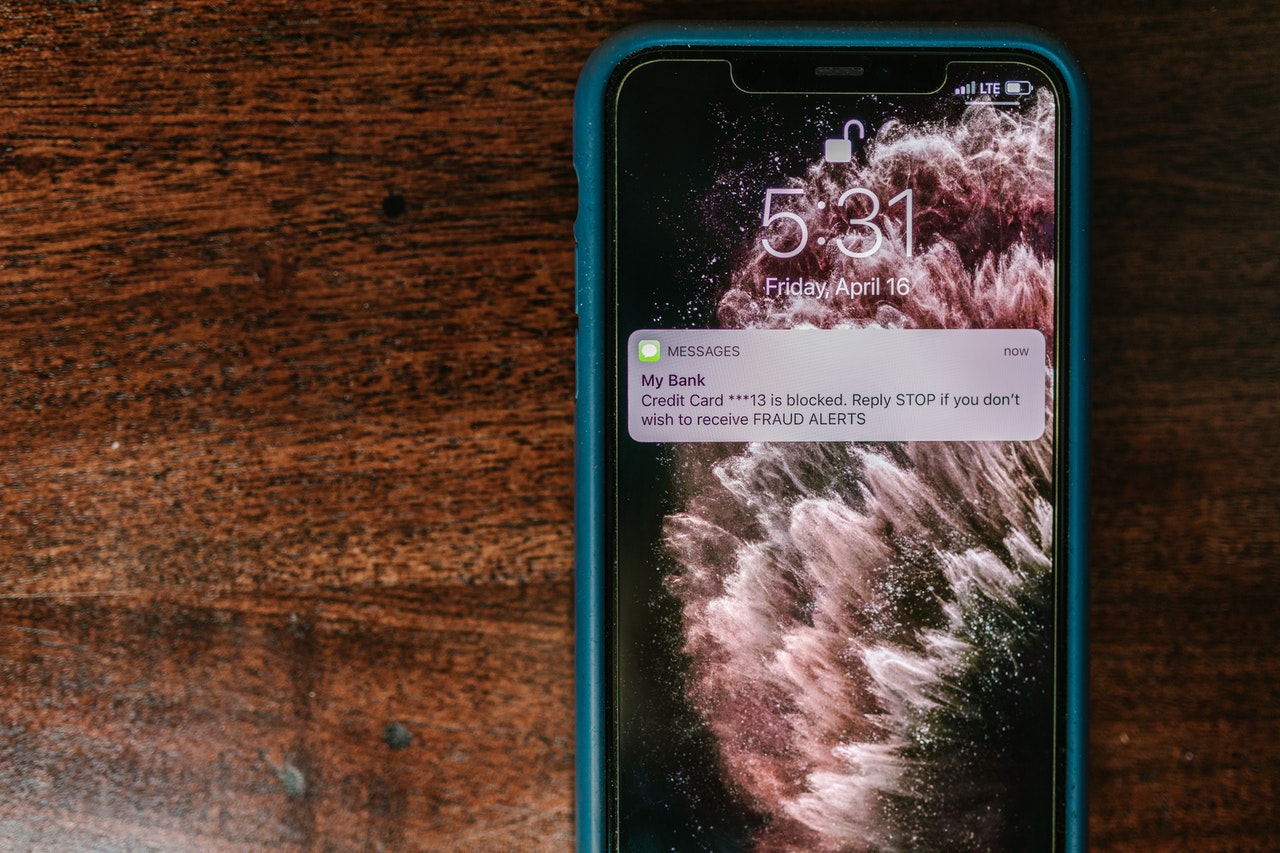
If you cannot contact someone using iMessage, you might want to know how to tell if you’ve been blocked on iMessage. The iMessage app is a popular method of texting and sending multimedia on iPhone. iMessage users can block unwanted accounts, just as with other messaging services.
But how do you know if someone has blocked you on iMessage? The other person has blocked you when you try to communicate with someone through iMessage and see a green text bubble instead of a blue with your message. Getting the ‘sent’ instead of the ‘delivered’ badge is also a sign that the other person has blocked you.
Methods to Tell if You’ve Been Blocked on iMessage
Below are the best ways to tell if someone has blocked your iMessage account.
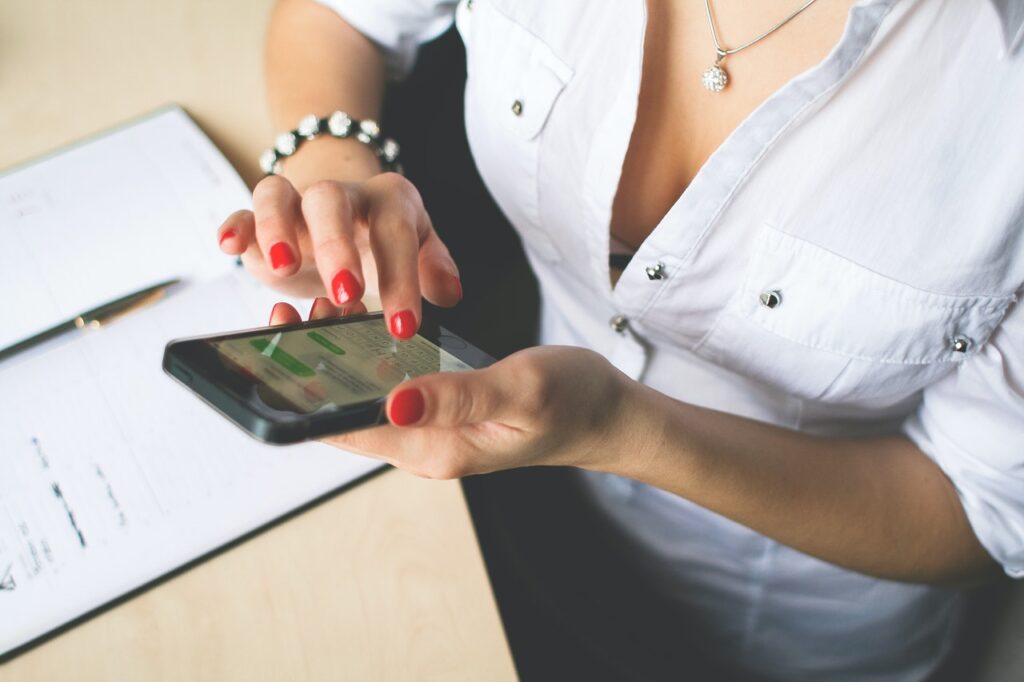
Method 1: Not Delivered Error
You may also encounter the Not Delivered error if someone has blocked you. It may also happen if there is an internet outage. It may help you if you enable SMS texts on your iPhone if you are experiencing the Not Delivered error.
So, suppose a message fails to deliver through iMessage. In that case, the iPhone will try to deliver it using your cellular data, or if you prefer, you can try sending it via SMS instead.
Also, perhaps you still don’t get a reply or confirmation after sending an SMS. In that case, it may indicate you have been blocked on iMessage.
Method 2: Checking the Text Bubble Color
It is common to see both iPhone users’ text bubbles get blue when exchanging messages through iMessage.
However, your recipient’s text bubble will appear green if they don’t have access to the internet. If your blue text bubble becomes green one day, it’s a warning sign.
There’s a possibility that the person you’re speaking with lacks access to the internet or is using an Android phone. Therefore, if you see a different color and do not receive a reply, they may have blocked you.
Method 3: Assessing Delivery Status
You may notice that your sent message has a “Delivered” and “Read” status under it. However, if you are not seeing such status anymore, someone has blocked you on iMessage.

In addition, they may have turned off the option to send read receipts by accident. It indicates that they don’t want to tell you they’ve seen your message.
However, if you never hear back, they might have got blocked. Suppose the delivery status for iMessage suddenly changes. It could be a sign that you have got blocked, or they have done it for privacy purposes.
Conclusion
There is nothing more annoying than getting blocked. What’s worse is if the block comes from someone you’ve been chatting with on iMessage.
It’s possible they blocked you for a reason or that they suddenly disappeared. If they have blocked you, you might be able to find out via the methods given in this article. You can also read about iCloud and iMessage Accounts Are Different and iPhone Says No SIM Card Installed When There Is One here.