
If you have accidentally dropped your AirPods in the water, you might wonder: How to get water out of AirPods? There is nothing worse than water getting into AirPods for a music enthusiast. If your AirPods haven’t been submerged entirely in water, you can probably get them working again. Here is how.
There are different ways you can use it to get water out of AirPods. Microfiber cloths or placing the AirPods under sunlight will both dry the device. Besides, you can also do so with the help of silica packets or by running the water eject shortcut.
Methods to Get Water Out of AirPods
If you’ve dropped AirPods in water, these quick methods will explain how to handle the situation and provide tips for preventing water damage.
Method 1: By Using Microfiber Cloth
First, remove any excess liquid away from your AirPods. Try cleaning the AirPods with a microfiber cloth.

You can use the microfiber cloth with a screen cleaning kit or eyeglasses. To prevent damage to the speakers, do not press too hard while using a cotton swab to absorb liquid.
Method 2: Drying AirPods in the Sun
When the weather is dry, sunny, and not too hot, place the AirPods in the sun to speed up this process. Otherwise, you can place them anywhere with low humidity.
Before using your AirPods again, let them dry completely. It would be best if you didn’t use a blow dryer or a heater to dry your AirPods because extreme heat and high-pressure air can damage your AirPods.
Method 3: By Using Silica Packets
Using silica gel packets can help you save your AirPods if you have put water in them. Silica gel, or any other desiccant, can allow you to dry out your AirPods if they still contain water.
If you don’t have any of these packets, you can find them in craft stores or even electronics stores.
Method 4: By Running the Water Eject Shortcut
Apple devices also have a shortcut called Water Eject, allowing users to remove liquid from the device. You can download the Shortcut from Routine Hub.
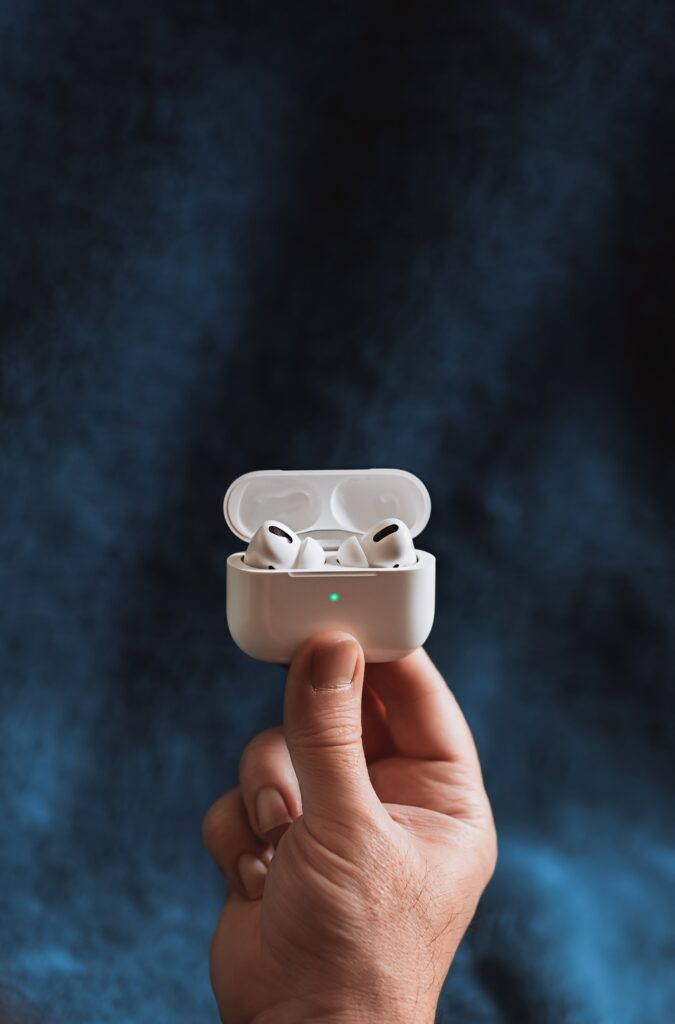
Water Eject will force excess liquid from your AirPods or iPhone speakers. Apple hasn’t officially endorsed this tool, but some experts recommend using it.
Conclusion
Dropping AirPods into the water can be a traumatic experience for music lovers. The AirPods will probably work again if you don’t completely submerge them in water.
To dry your AirPods after dropping them in water, Apple recommends using a microfiber cloth. Put both the charging case and earbuds upside down on the cloth. Place the charging case open on the cloth. Then test them after a few hours.