
If you find your AirPods blinking orange, you might wonder why they do that. There are many bugs and errors associated with AirPods. The blinking orange light is one of the most common problems with AirPods. So why is it?
Your AirPods communicate with you through the indicator light visible on their case. A wide range of colors and blink patterns display information about the AirPods. If your AirPods are displaying orange lights, you have a pairing problem. It may also mean that yourcharging case might not have enough charge left.
Why Are the AirPods Blinking Orange?
The AirPods case has an indicator light that will let you know its current state. The AirPods display information about themselves by using a variety of colors and blinks.
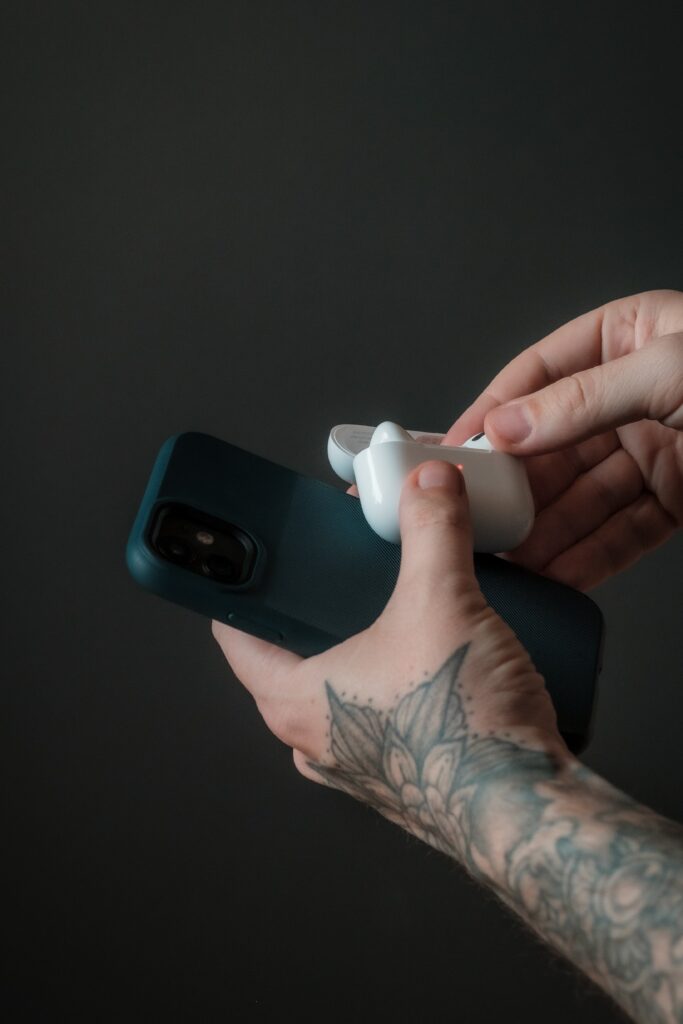
An orange light indicates a pairing problem with your AirPods. It can also indicate that your charging case does not have sufficient charge.
Methods to Fix AirPods Blinking Orange
You can fix the blinking orange AirPods by following the methods below.
Method 1: Reconnect Your AirPods
To begin, you’ll need to disconnect your AirPods from each device, then reconnect them. It can sometimes fix your AirPods’ issues quickly. Follow the steps below to reconnect your AirPods.
- First, you need to access the settings of your phone.
- Select “Bluetooth.” Here, you’ll find a list of the connected devices.
- Click on the AirPods, followed by the option to “Forget This Device.”
- Then, turn on the pairing mode on the AirPods.
- You can perform this by holding down the case’s button for a short time.
- Choose the option “Add Device” from settings after pairing your devices.
- Then, pair them by selecting “AirPods.”
It might solve the orange light blinking issue.
Method 2: Recharging AirPods & Its Case
It is also possible that a low battery could cause connectivity problems with your AirPods resulting in a blinking orange light. The AirPods and Case may not work correctly if their batteries are low.
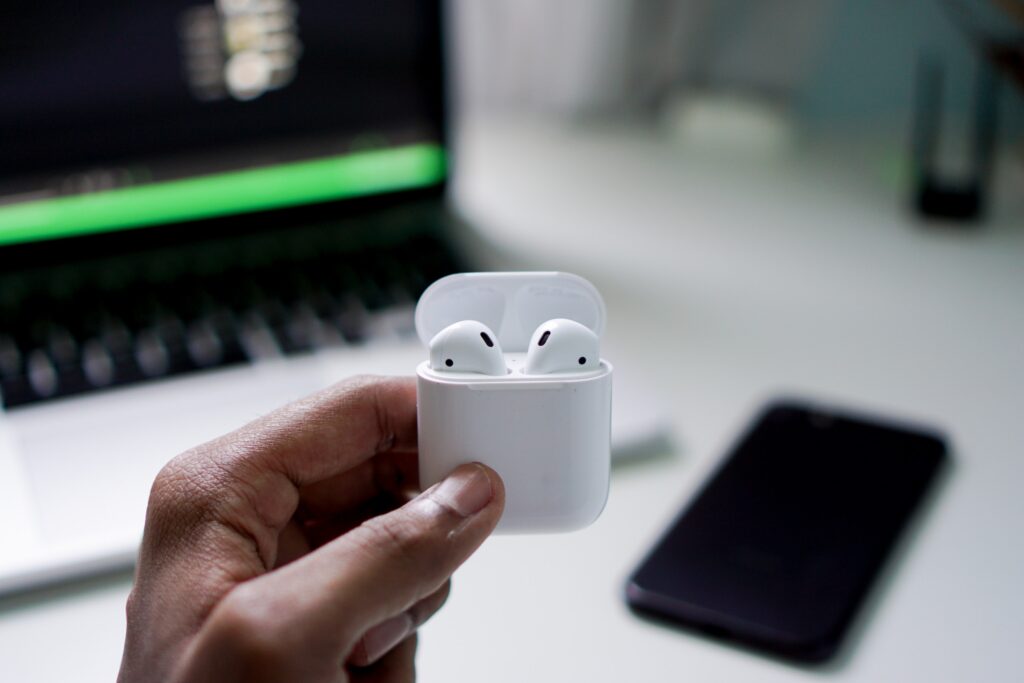
You can quickly fix this by charging your AirPods in the case. If, after putting AirPods in the case for a while, the case does not charge the AirPods, it will mean that there is no battery left in the case.
If so, you will need to charge both the AirPods and Case simultaneously. After completing this process and charging the AirPods, you’re ready to pair in a few minutes. Hopefully, by this, your AirPods will stop the blinking orange.
Conclusion
Based on what you’ve read here, there are many ways to resolve the AirPods blinking orange light issue. Each solution is straightforward to implement and doesn’t take long to finish.
Also, remember that restarting your AirPods can sometimes fix the problem. It is possible that restarting the AirPods will clear up any errors, bugs, or issues causing the orange light to blink, preventing them from working.
However, suppose you cannot fix the AirPods blinking orange after trying all the methods. In that case, you should contact Apple customer service.