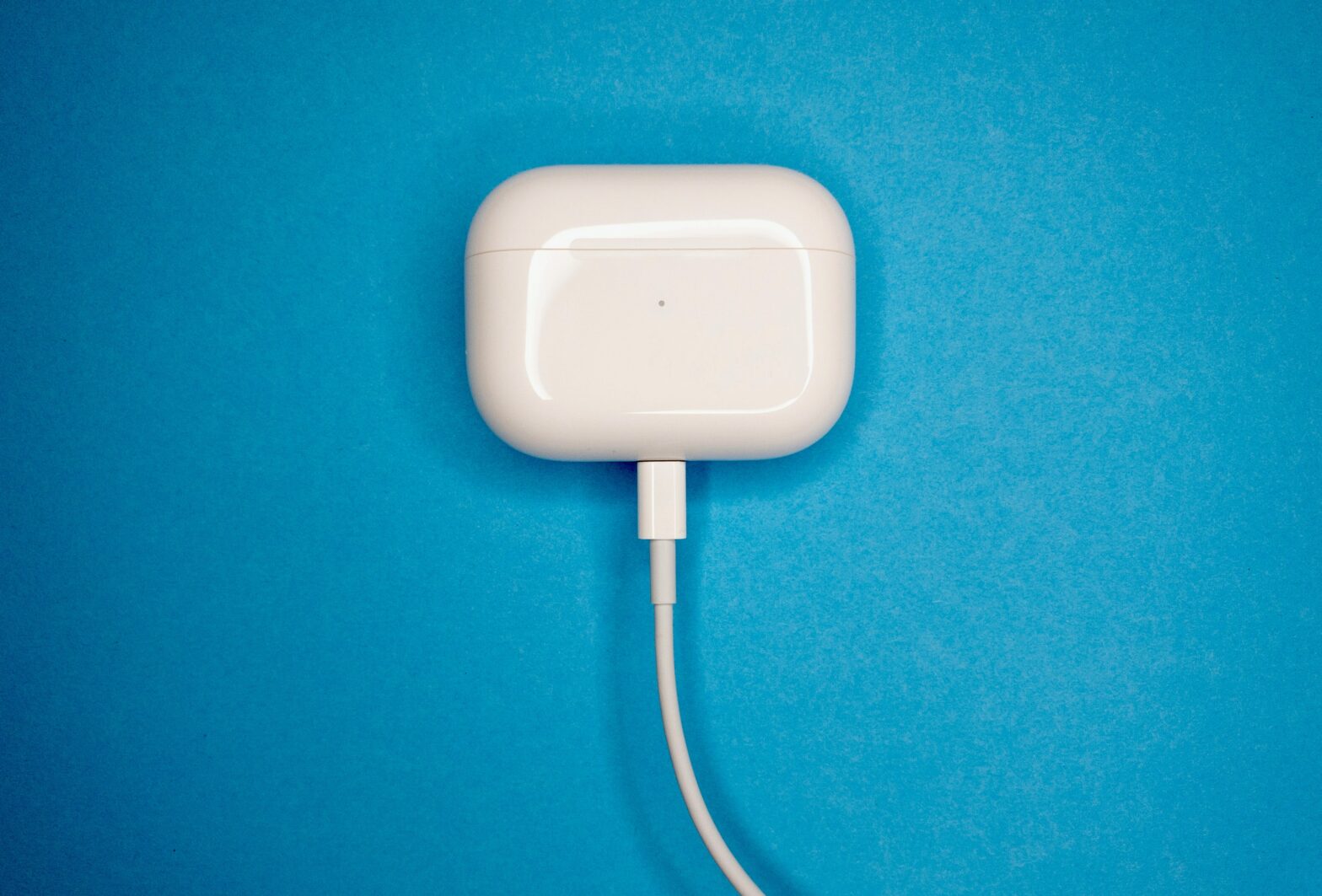
If you have trouble charging your AirPods case, you might ask, “Why is my AirPods case not charging?” It is a common problem that the AirPods case does not charge. Several reports have been surfacing on the internet that Apple’s new AirPods case has a battery-draining bug, leading to the AirPods case not charging correctly. But what is the real reason behind it?
Various factors can cause the AirPods case not to charge appropriately. The faulty charger or cable could be the primary cause of your AirPods case not charging.
And a dirty charging port can also cause this issue. Power may not pass towards the AirPods case if the charging port is not clean. The lack of charging may also be due to a software problem.
Reasons Why My AirPods Case Is Not Charging
Below are a few reasons why your AirPods case may not be charging:
Reason 1: Faulty Charger or Cable
An interruption in power could cause your AirPods case not to charge. If your USB cable and charger appear damaged, check them. If nothing seems wrong, try to charge the carrying case using another cable or a laptop.
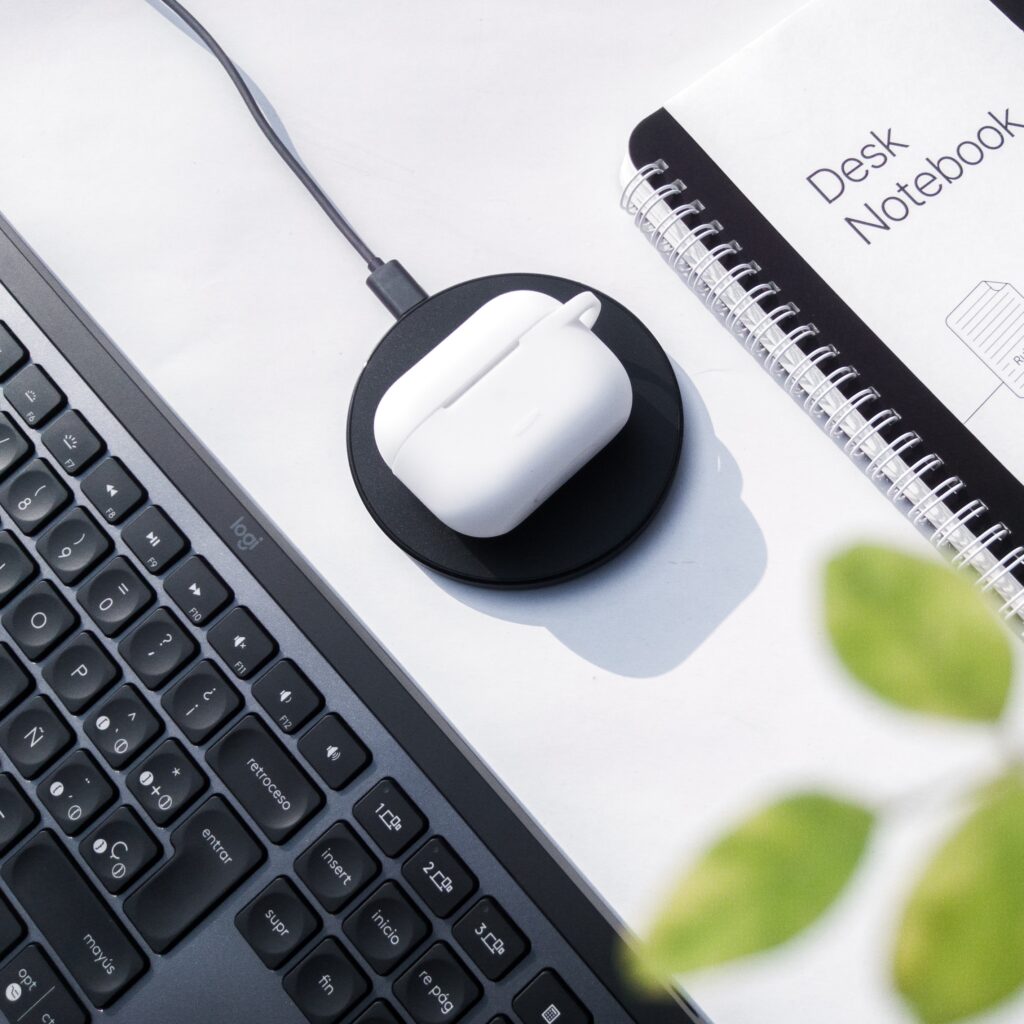
Your USB cable might suffer internal damage over time from constant use. When employing a wireless charging case for AirPods, use a Qi charger that supports wireless charging.
Check the indicator light on the AirPods case by placing it and repositioning it. If you’re still unable to charge the AirPods case after trying a different cable, move on to the following method.
Reason 2: Dirty Charging Port
Grease and debris can accumulate on the charger port, especially if you frequently keep the charge in your bag.
If the AirPods case isn’t charging, clean out the charging port to ensure it isn’t the cause. Ensure the case, charging cable, and other parts of your AirPods receive proper care to prevent further damage.
Getting your charging case wet may cause it to short circuit, which is a much more severe problem. After cleaning it, check if the AirPods case will charge again by connecting your charging cable.
Reason 3: Software Issue
If your charging port pins appear clean and the charger isn’t the issue, the problem could be with the software. You may experience this if you have not connected your AirPods to any other device.

Fortunately, a simple firmware update can resolve this charging issue. Below are the instructions to do it:
- Put the AirPods in the case.
- After that, close the charging case.
- Then, plug it into a power source.
- Lastly, you need to place your AirPods case in your paired device for a couple of minutes to let any updates settle.
Conclusion
If none of the above causes the charging case of your AirPods to stop working, it may be necessary to replace the AirPods or the charging case.
You will be able to receive a replacement part from Apple during your warranty period. You will need to replace old AirPods that have already expired their warranty.