Do you want to know how to turn off VPN on Android? Online privacy is one of the most critical issues of the digital age. It is possible to conceal your virtual footprints and assume anonymity with VPNs. However, sometimes you might want to disable it? So, how to do that?
Firstly, you need to open the VPN application on your Android device. You can disable the VPN by using the same button to enable it. After enabling, you may see “Disconnect” or “Turn Off” on the VPN. Pressing it will turn off the VPN.
Methods to Turn Off VPN on Android
These are the methods for turning off VPN on Android.
Method 1: Directly Through VPN
Virtual private networks typically come with settings you can use to manage them. Here is how to turn off VPN directly through its settings.
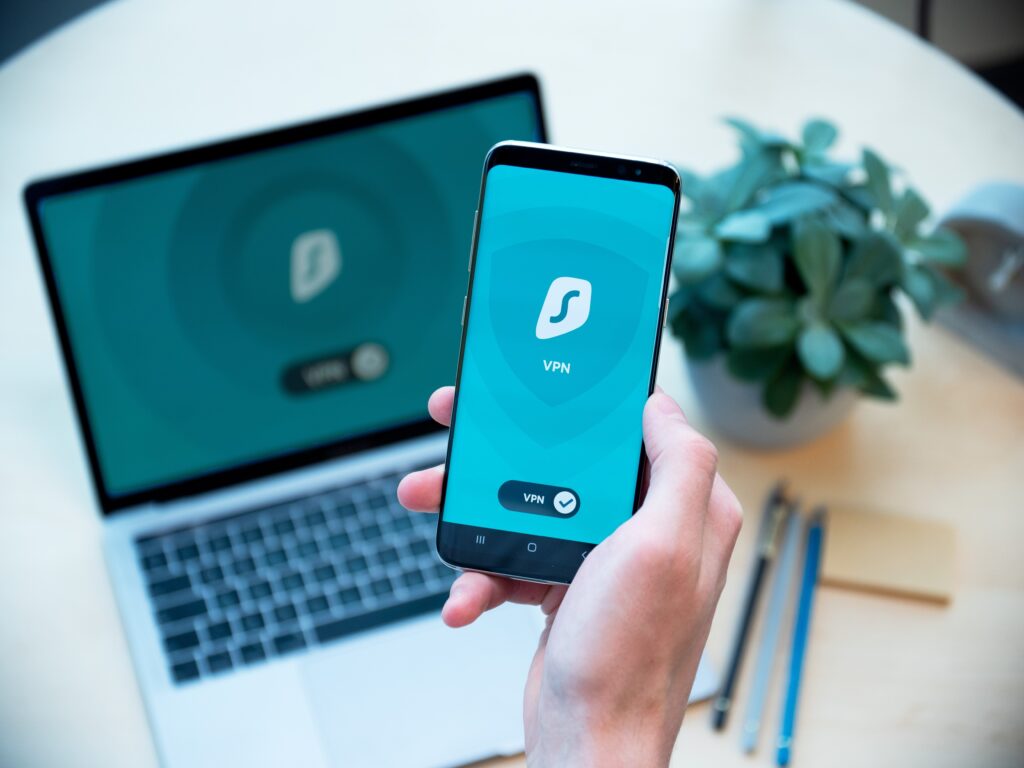
- First, start the VPN app on Android.
- The same button you used to enable the VPN will also allow you to disable it.
- After enabling the VPN, it might say “Disconnect” or “Turn Off” on it. Press it.
It will disable the VPN. The exact process applies to Linux VPNs that come with a GUI. Things are slightly different when it comes to command-line interfaces.
Consult the documentation if you want to turn off a Linux VPN through the command line. You disable the VPN by typing in the code through the command line.
Method 2: Through Android’s Settings
While this method takes a while, it will disable the VPN for you. Here is how.
- First, go to Settings on your Android.
- After that, you must select the “Network & Internet” option.
- You might require selecting the “More” button in some Android versions to access such options.
- From there, select the “VPN” option.
- Go to your VPN’s settings by tapping the icon. A gear icon or three dots may represent it, based on your device.
- Click on the Off button for the VPN to disable it.

By doing so, you can turn off your VPN. Choose the “Forget VPN” tab to remove your VPN altogether.
Conclusion
You can protect your privacy on the internet by using a VPN service. By hiding your IP address, VPN safeguards your online privacy.
Additionally, it creates a secure encryption pathway that allows you to access any wireless networks without compromising your privacy. In this way, nobody can see what you do online. The VPN also protects against digital predators such as hackers etc.
Thus, unless there is an urgent need to turn off your VPN, you should always keep it active. The VPN may, however, have to be disabled in some circumstances.