
If you frequently use Siri, you might want to see its history and wonder, “how to see Siri history?” Siri is an automated voice assistant that can answer any question you ask. You can also use Siri to change settings and perform other functions on your iPhone. But, is there a way to see its history?
To view Siri’s history, you will need to activate it. Say “Hey, Siri” or visit “settings” to activate it. As soon as you activate Siri, slide down the screen and see the most recent Siri conversation you have had. However, Apple does not store your overall history, so you can’t see your old conversations with Siri.
Is It Possible to See Siri History?
Apple devices provide the ability to view Siri history. To make Siri better, Apple receives Siri search data from your iPhone. You can see a record of your last Siri conversation.
But it is impossible to view your complete history or older requests since Apple does not save data. To maintain your privacy, Apple only keeps the most recent Siri history instead of the whole conversation. So, old Siri conversations are not accessible.
However, remember that Siri no longer displays your search history in iOS 15. The reason is unknown, although Apple may have done it on purpose. So, you can only see Siri history if you have iOS 14 and earlier.
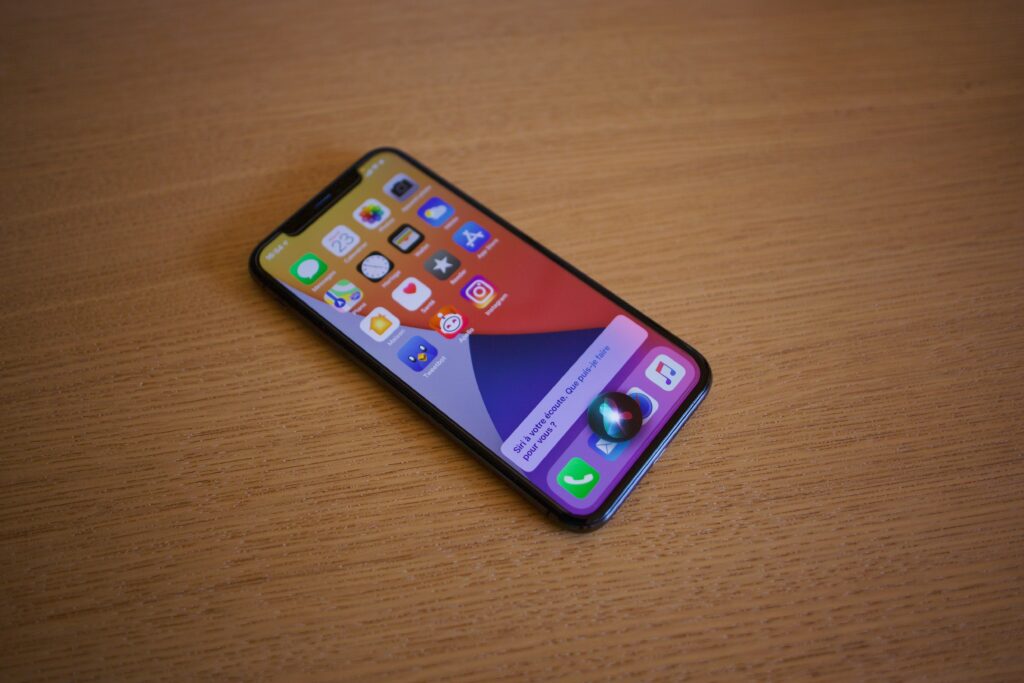
Steps to Follow to See Siri History
Following these simple steps will let you see your most recent Siri conversation.
- First, access “Settings.”
- Next, navigate to the “Accessibility” section.
- At the bottom of accessibility, you’ll find the “Siri” option. Then, tap on “Siri.”
- You’ll need to activate Siri to view its history; if you have an iPhone 8 or earlier model, hold down the home button to activate Siri. When using the iPhone X and later, you must hold the side button.
- You can also activate Siri by saying, “Hey, Siri.” The app only responds if you have turned on the Siri feature.
- After activating the Siri, slide down the screen to show your most recent Siri conversation.
You’ll only see your most recent conversation and the conversation for today.
Do you have problem regarding Face ID Not Working “Move iPhone Lower”? you can learn more here.
Conclusion
Siri is a convenient and fast way to accomplish many things on an iPhone. With so many useful features on offer, Siri has established itself as the most popular voice assistant.
Siri can provide directions, send texts, and do many other things for you. Siri records everything you say. Apple does this to optimize the software’s accuracy and learn your preferences.
It does not share your information with third parties. Siri displays all questions you’ve asked and your complete requests. Can You Screen Record Facetime? read it here.