
If you have Sharp TV at home, it is essential to learn how to download apps on a Sharp smart TV. Years ago, Sharp was an elegant manufacturer of televisions. They had a substantial market share all across the world. However, things started going downward for the company, and they had to sell their brand.
If you wish to download apps on your Sharp Smart TV, you must follow some straightforward steps. First, however, you will require one of the two app systems to download your favorite app onto your TV.
These app systems are AppsNOW and VEWD. It will be impossible to download apps onto your Sharp Smart TV without using them. If you have an older model of Sharp TV running on Android OS, you can download apps using Google Play Store.
Benefits Of Downloading Apps Onto Your Smart TV
There are several OTT platforms online where you can view different types of web series and movies. However, it would be awesome if you could watch those movies and web series on a bigger screen. The best way to achieve this is by downloading your favorite apps onto your Sharp smart TV. This will let you watch your favorite movie and web series on a better and bigger screen.
How To Download Apps On Your Sharp Smart TV?
As discussed above, you will need one of the two app stores to download apps on your Sharp Smart TV.
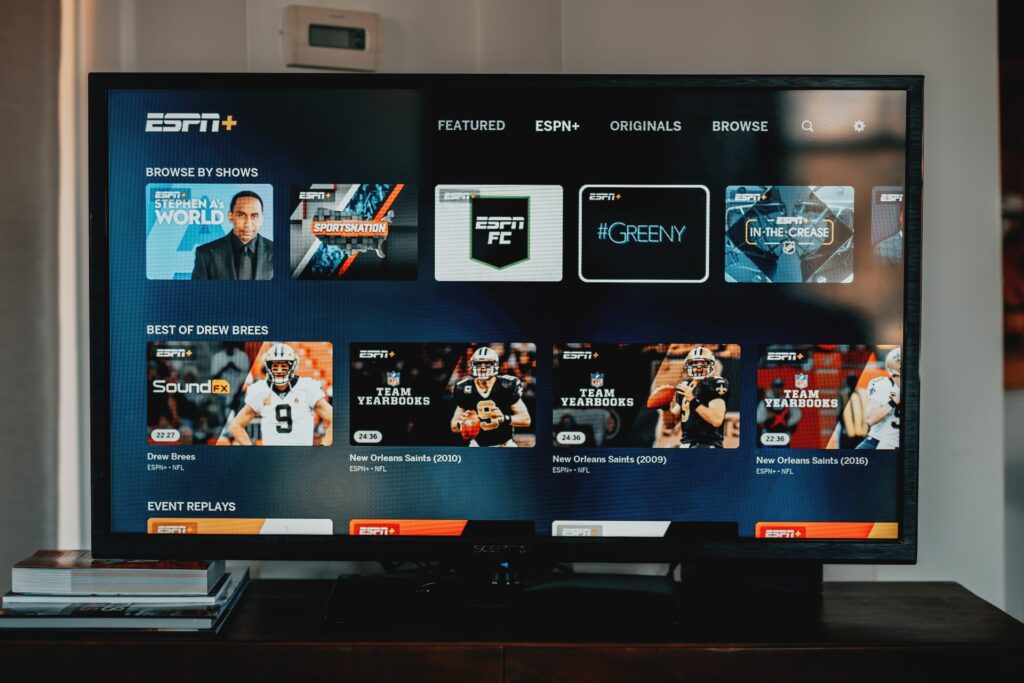
Download Using VEWD
- Press the Apps button that you find on your TV remote.
- Choose the VEWD Apps Store and enter the option after pressing OK on the remote.
- You will find a filter option at the top of your TV screen, which will help you sort through the list of apps and browse various categories. These include New, Popular Sports, Music, Movies and TV Series, Games, and Technology.
- Choose the app you wish to download on your Sharp Smart TV and press the OK button on the remote. This will open the chosen app on the TV screen.
Download Using AppsNOW
- Press the apps button on your Sharp remote that will take you to the apps page on the TV.
- Choose AppsNOW on the screen and press the OK button.
- Go to the filter option at the top of the screen and browse the various categories, such as Technology, Games, Movies, and TV shows, to name a few.
- Choose the app that you want to download.
- Press the OK button that you find on your TV remote.

Conclusion
Although Sharp was a famous television brand in the good old days, it has lost its glory and popularity in this modern era. Nonetheless, you will still find many homes where people still use Sharp TVs.
Downloading apps on your Sharp Smart TV is possible using the VEWD or AppsNOW app platforms. However, if you use one of the old Sharp smart television models that used to run on Android OS, you can still download your favorite apps on the TV using the Google Play Store.