
Are you trying to figure out how to delete your Spotify history? Look no further. Spotify has a listening history feature that lets you listen to all your favorite music again. However, clearing your Spotify “Recently Played” list can keep your music listening habits private.
Spotify’s previous desktop software included a feature that allowed users to delete music from the recently played area. However, it’s no longer possible to erase your Spotify listening history with the new Spotify UI. For the record, only the music you play during private sessions is included on the recently played list.
If you’ve been searching for a way to remove music you’ve recently listened to from your Spotify playlist, here’s all you need to know.
What Is Spotify?
Spotify is a streaming service that lets users listen to music online. You get to listen to anything you like, whenever you want, thanks to its massive online library of music and podcasts, which can be accessed instantly. It is simple to use, in addition to being compliant with the law.
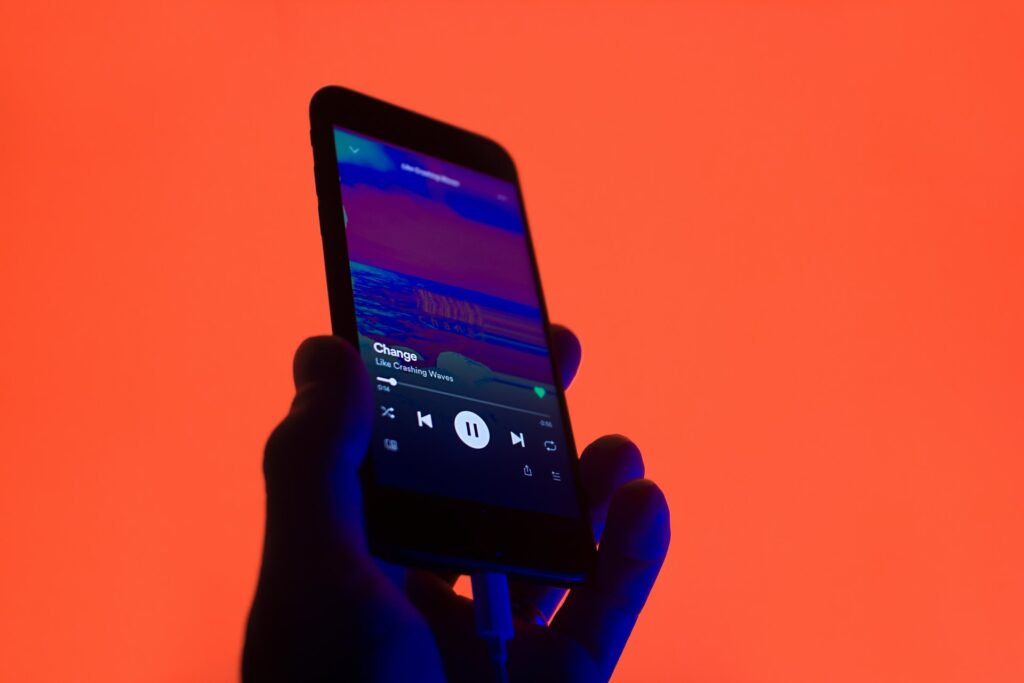
There are millions of tunes to choose from, ranging from obscure indie rock to top 40 pop to movie soundtracks. In addition, it provides carefully selected playlists and internet radio stations, as well as a complex algorithm that selects music for you to listen to pertaining to your previous musical tastes and habits.
There is a myriad of podcasts to pick from, whether you love listening to real crime stories or tech conversations. As a matter of fact, the corporation has made significant inroads into the podcasting space by buying Gimlet Media and Parcast. It even shelled out more than one hundred million dollars for an exclusive contract spanning many years with the Joe Rogan Experience.
To top it all off, there’s no cost to using Spotify. There is a paid membership option, but you may also use the platform for free with adverts included.
How To Delete Your Spotify History
Spotify’s earlier desktop software contained a feature that permitted users to delete music from the recently played area. However, it’s no longer possible to erase your Spotify listening history with the new Spotify UI. For the record, only the music you play during private sessions is included on the recently played list.
Check out the following section if you want to keep the content of what you’re playing hidden from the users that follow you on Spotify:
Desktop
Choose Settings from the drop-down menu that appears when you hover over your profile picture. Go to the “Social” area and uncheck the “Share my Spotify listening activity” checkbox.
In addition, you may enable private sessions from this page as well. Music listened to during private sessions will not impact your recommendations.
Mobile
You can deactivate Spotify listening history by selecting the gear icon in the screen’s upper-right-hand corner. Then, toggle the “Listening activity” switch off.

Conclusion
Spotify’s listening history makes it simple to remember the music you’ve enjoyed in the past but may have forgotten about. Nostalgia-induced flashbacks can be easily relieved by looking for old favorites in your music library and listening to them repeatedly.