If you struggle to use your iPhone because of the dim screen, you might wonder: Why does my iPhone screen dim? Some iPhones seem to dim on their own no matter how bright you set them. What can be the reason behind this?
The automatic brightness feature is usually the reason it keeps dimming. With auto-brightness, the brightness of your iPhone will adjust automatically depending on the surrounding lighting. Other than this, the Low-Light Zoom Filter and True Tone may also cause the dimming of your iPhone screen.
Reasons Why My iPhone Screen Dim
Several iPhone users report that the screen continues to dim even after increasing the brightness. Do not worry if you are experiencing similar problems with your iPhone. If your iPhone screen automatically dims, the following might be the reasons.
Reason No 1: Automatic Brightness Is On
Your iPhone will dim most of the time if you’ve enabled automatic brightness. The iPhone screen brightens automatically as the ambient lighting changes.
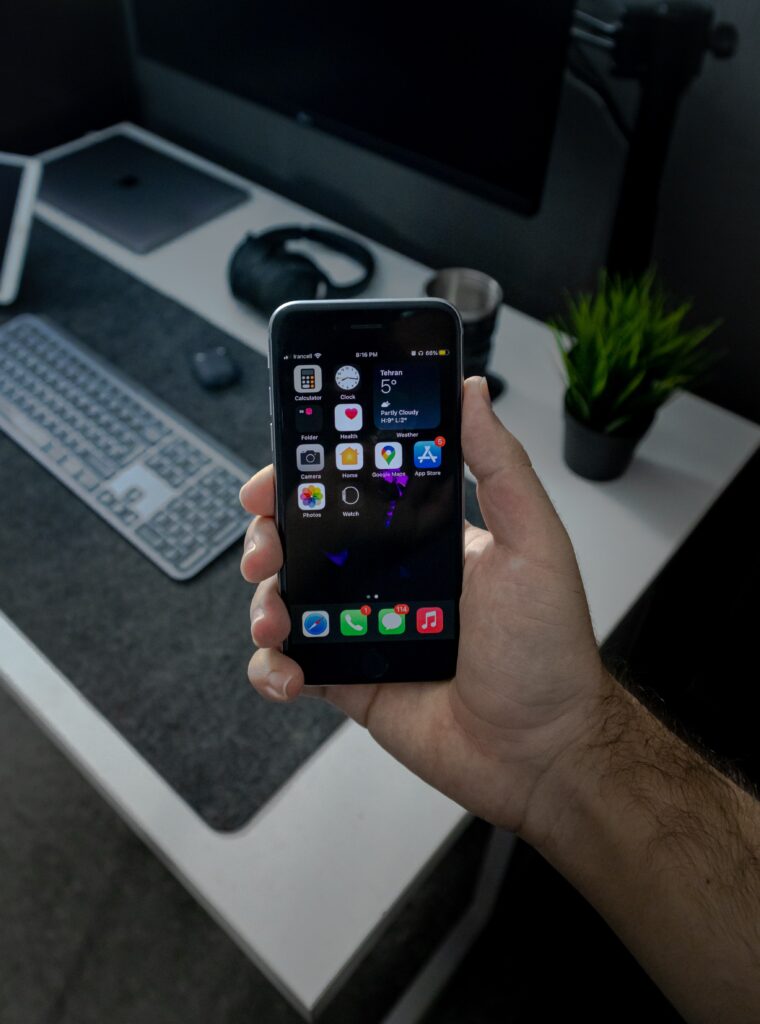
If it is darker outside at night, Auto-Brightness will darken your iPhone display, so you are not blinded by what you see on the screen. Your iPhone will keep dimming if you don’t turn off Auto-Brightness.
Reason No 2: Attention Aware Not Working
Face ID phones come with Attention Aware. When looking at the display, the iPhone won’t dim the display. If, however, your iPhone brightness still dims automatically, Attention Aware isn’t working.
You will need to enable the Attention Aware feature to avoid this problem. Below are the steps for enabling Attention Aware on iPhone.
- Access your iPhone’s settings.
- Select “Accessibility” from the list.
- Select “Face ID & Attention.”
- Turn on the “Attention Aware” option by clicking it.
- Confirm by entering your iPhone passcode.
Reason No 3: True Tone Is On
Apple has added the True Tone feature to iPhone 8, which automatically adjusts the display brightness and color temperature to make colors consistent across the device.
The iPhone screen brightness and color may frequently fluctuate, which causes your iPhone screen to dim. You will need to disable TrueTone to fix it. Follow the steps to do so.
- Access your iPhone’s Settings.
- Click on Display and Brightness.
- Click the True Tone toggle to turn it off.

Reason No 4: Turn Off Low-Light Zoom Filter
The low-light Zoom filter is the most common cause of iPhones’ darker or dimmed screen. If you have turned on the Low Light Zoom filter, you will deal with such an issue. You will need to disable it to fix the concern. Here’s how to disable it:
- Open your iPhone’s Settings app.
- Tap “Accessibility” and then go to the “Zoom” option.
- Then, choose “Zoom Filters.”
- Set it to “None” if it sets to Low-Light.
Conclusion
Most smartphones come with a brightness feature which saves battery power and helps you see better when using them.
Since the launch of the first iPhone, every model has come with a brightness feature. This brightness feature is essential as it becomes hard to use your iPhone if the screen is too dim.
In this article, I’ve listed some reasons why your display may dim randomly or appear dim. These may help you identify the cause of the issue and solve it.