
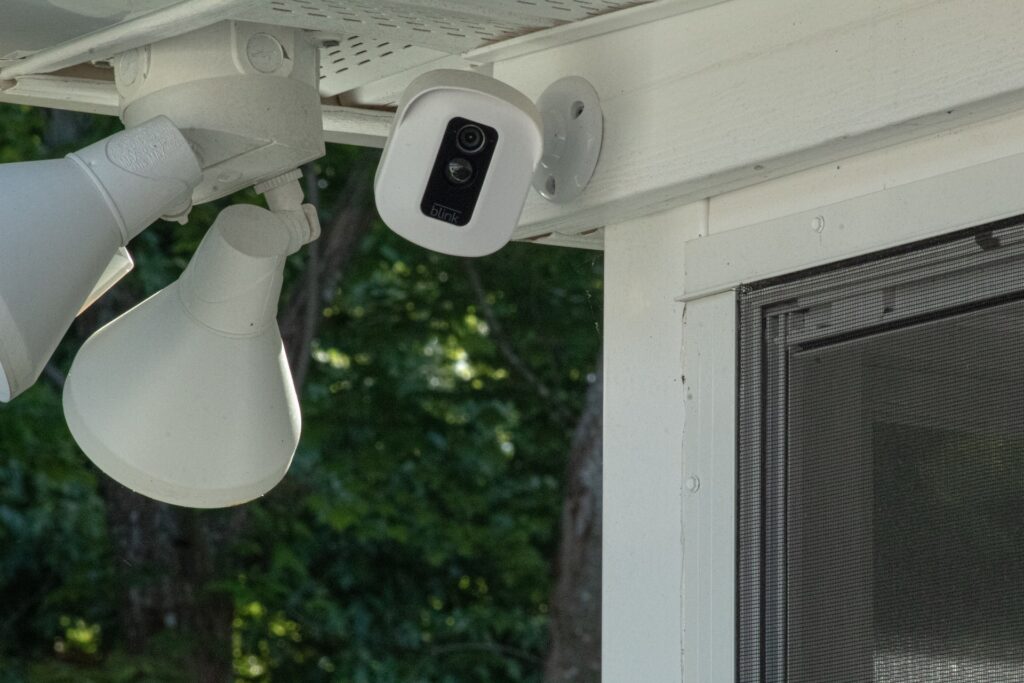
Are you looking for more information about your Blink Outdoor Camera Setup? If so, this article is for you. In the beginning, it could seem challenging and complicated to install a home security camera. But this isn’t always true.
An excellent example of one of these cameras is the Blink home security camera. It is easy to install, almost entirely wire-free, and works similarly to more complicated ones. How to set it up?
You’ll need to do a few things after purchasing the Blink outdoor camera to set it up. First, Blink will require you to create an account, enable sync, set up your system, and then begin adding cameras. By doing so, you can set up any Blink outdoor camera with ease.
Stages to Blink Outdoor Camera Setup
You will go through the following stages to get your Blink Outdoor Camera set up.
Stage 1: Configuring Blink Sync Module
When you connect any Blink camera to your home, the first step is to install the Blink Sync Module, which transmits network information to the Blink devices. Here is how to do it.
- On the Blink app, choose the + icon.
- Then, select the “Camera System.”
- To use the Sync Module, scan the QR code on the back or manually type in the serial number.
- Tap Done after naming your Blink device.
- A blue blinking light will appear on the Sync Module, and the green light will remain steady. Press “Discover Device” once this occurs.
- Then, the Sync Module shows a network with the BLINK-XXXX prefix. Click Join.
- Resetting the Sync Module might be necessary if it doesn’t work.
- Following the Sync Module’s connection, a list of networks will appear. Select the network and log in.
- A notification will appear once the Sync Module has been added to the system. Now choose “Done.”
Stage 2: Installing the Cameras
Adding the camera is the next step after setting up the Sync Module.
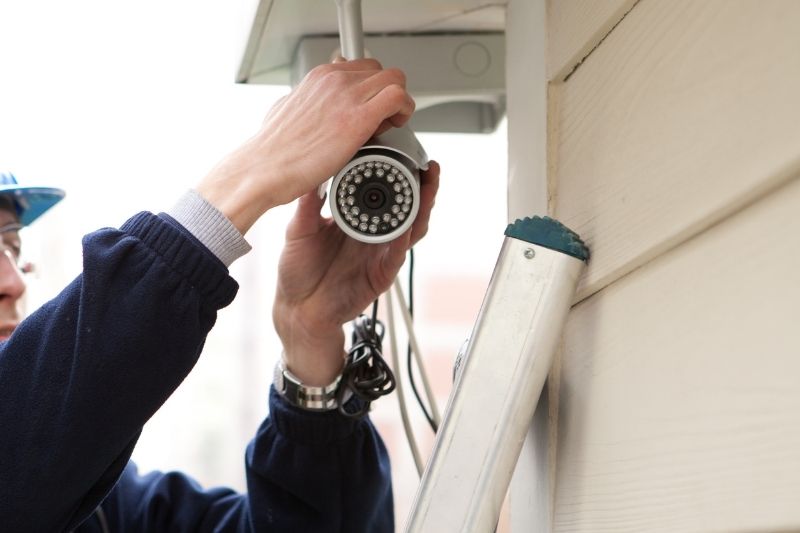
- You will need to remove the camera’s back panel and install the batteries if it is brand new. Open the backplate using the included tool.
- Now, Choose + icon on the Blink app.
- After tapping the + icon, select “Wireless Camera.”
- Scan the QR code inside the battery compartment. Remember to have your backplate ready. The camera will start to search once it scans the code. Connect the backplate to the contacts by screwing it into place. A red flash will appear when the camera gets power.
- After that, choose a camera system.
- Upon finding the camera and adding it, the message will read, “Camera added successfully.” After that, choose “Now.”
You have successfully added your camera and completed the Blink Outdoor Camera Setup.
Conclusion
Installing a security system is easy and inexpensive with blink cameras. Real-time home monitoring is possible with these smart cameras.
Furthermore, you will receive alerts anytime motion occurs. You can also make local recordings or cloud recordings. You can set up your Blink Outdoor Camera in a few easy steps; however, it will take some time.